Development·
November 20, 2024
Node.js Performance Optimization: Tips and Techniques
Discover proven techniques for optimizing Node.js applications including caching, clustering, and profiling strategies.
Why Performance Matters
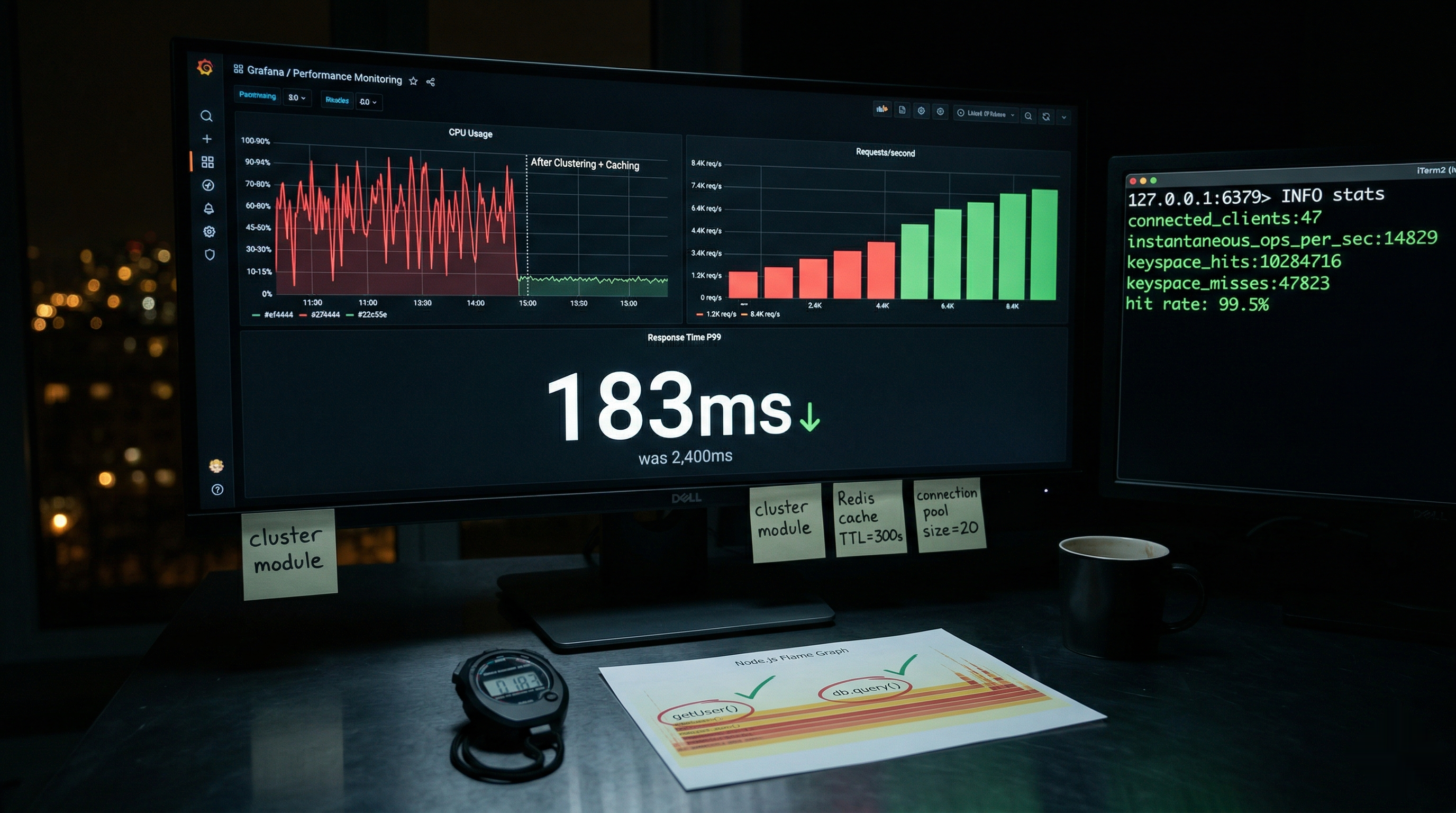
Performance directly impacts user experience and costs. A well-optimized Node.js application can handle more requests with fewer resources.
Profiling Your Application
Using the Built-in Profiler
node --prof app.js
node --prof-process isolate-*.log > processed.txt
Performance Hooks
const { performance, PerformanceObserver } = require('perf_hooks');

const obs = new PerformanceObserver((items) => {
  console.log(items.getEntries());
});
obs.observe({ entryTypes: ['measure'] });

performance.mark('start');
// Your code here
performance.mark('end');
performance.measure('Operation', 'start', 'end');
Caching Strategies
In-Memory Caching
const NodeCache = require('node-cache');
const cache = new NodeCache({ stdTTL: 600 });

async function getData(key) {
  const cached = cache.get(key);
  if (cached) return cached;

  const data = await fetchFromDatabase(key);
  cache.set(key, data);
  return data;
}
Redis for Distributed Caching
const Redis = require('ioredis');
const redis = new Redis();

async function getCachedData(key) {
  const cached = await redis.get(key);
  if (cached) return JSON.parse(cached);

  const data = await fetchData(key);
  await redis.setex(key, 3600, JSON.stringify(data));
  return data;
}
Clustering
Utilize all CPU cores:
const cluster = require('cluster');
const os = require('os');

if (cluster.isMaster) {
  const numCPUs = os.cpus().length;

  for (let i = 0; i < numCPUs; i++) {
    cluster.fork();
  }
} else {
  require('./app');
}
Database Optimization
Connection Pooling
const { Pool } = require('pg');

const pool = new Pool({
  max: 20,
  idleTimeoutMillis: 30000,
});

async function query(text, params) {
  const client = await pool.connect();
  try {
    return await client.query(text, params);
  } finally {
    client.release();
  }
}
Query Optimization
- Use indexes appropriately
- Avoid N+1 queries
- Use pagination for large datasets
- Consider read replicas
Conclusion
Performance optimization is an ongoing process. Profile first, then optimize the bottlenecks that matter most.
Need help optimizing your Node.js application? Contact us for a performance audit.
#Node.js#Performance#Backend#JavaScript
Nomos Insights Team
Writing about AI training, LLMs, and software engineering. Building AI products at Nomos Insights.
Continue Reading