Modern CSS Techniques: From Flexbox to Container Queries
Explore modern CSS techniques including Flexbox, Grid, Container Queries, and CSS Custom Properties for building responsive layouts.
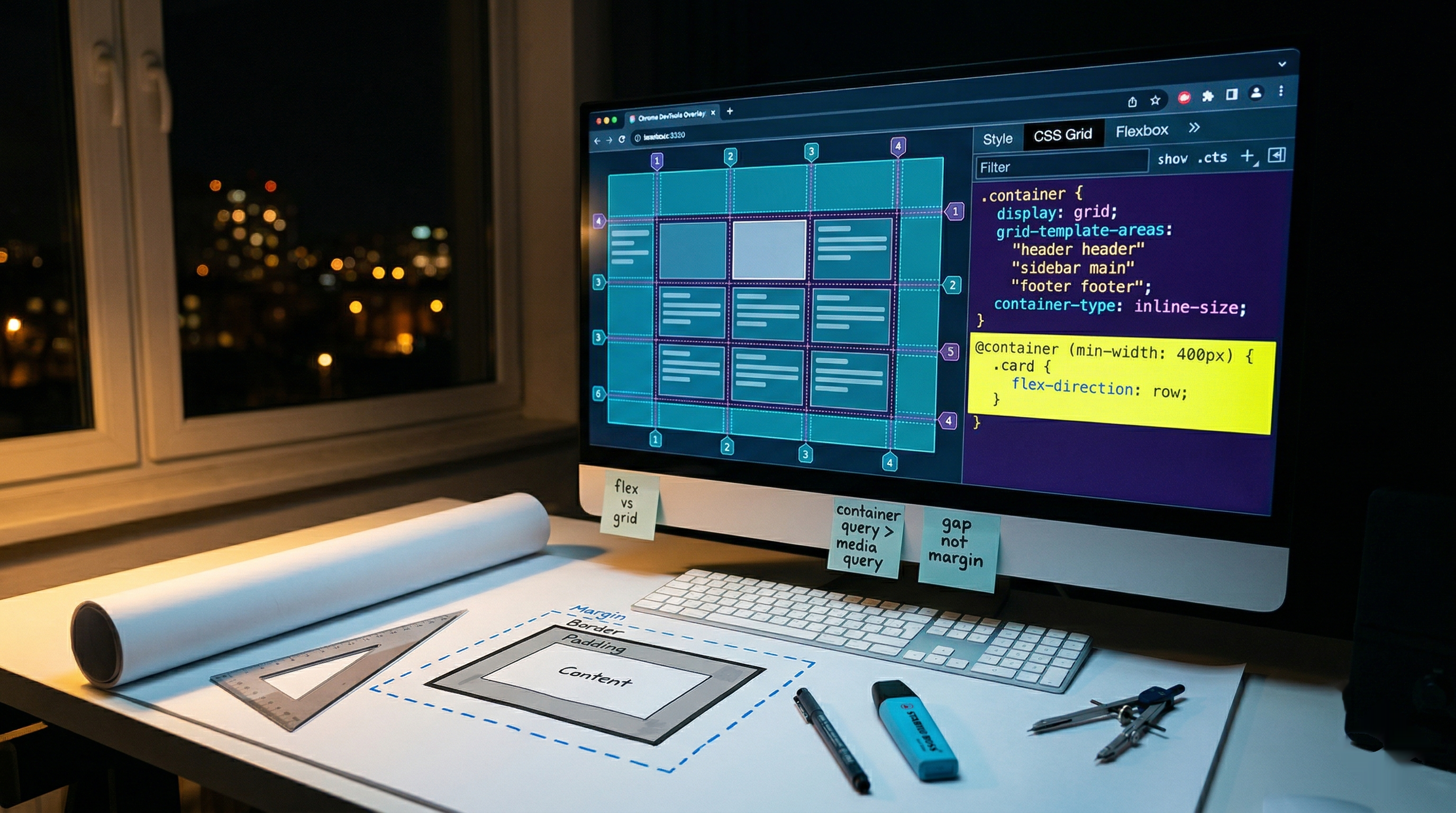
The Evolution of CSS Layout
CSS has evolved dramatically over the past few years. Modern CSS provides powerful tools for creating complex, responsive layouts without relying on JavaScript or CSS frameworks.
Flexbox for One-Dimensional Layouts
Flexbox excels at distributing space along a single axis:
.container {
  display: flex;
  justify-content: space-between;
  align-items: center;
  gap: 1rem;
}

.item {
  flex: 1;
}
Common Flexbox Patterns
Centering content:
.center {
  display: flex;
  justify-content: center;
  align-items: center;
  min-height: 100vh;
}
Navigation bar:
.navbar {
  display: flex;
  justify-content: space-between;
  align-items: center;
  padding: 1rem 2rem;
}
CSS Grid for Two-Dimensional Layouts
Grid is perfect for complex layouts:
.grid {
  display: grid;
  grid-template-columns: repeat(auto-fit, minmax(300px, 1fr));
  gap: 2rem;
}
Advanced Grid Techniques
Named grid areas:
.layout {
  display: grid;
  grid-template-areas:
    "header header"
    "sidebar main"
    "footer footer";
  grid-template-columns: 250px 1fr;
}

.header { grid-area: header; }
.sidebar { grid-area: sidebar; }
.main { grid-area: main; }
.footer { grid-area: footer; }
Container Queries
Container queries allow styles based on parent size:
.card-container {
  container-type: inline-size;
}

@container (min-width: 400px) {
  .card {
    display: flex;
    flex-direction: row;
  }
}
CSS Custom Properties
Variables that cascade and can be updated dynamically:
:root {
  --primary-color: #3b82f6;
  --spacing-unit: 1rem;
}

.button {
  background-color: var(--primary-color);
  padding: var(--spacing-unit);
}
Conclusion
Modern CSS provides all the tools needed for complex, responsive layouts. Master these techniques to build better user interfaces.
Want to improve your CSS skills? Contact us for training opportunities.
Writing about AI training, LLMs, and software engineering. Building AI products at Nomos Insights.
Continue Reading