Email Best Practices for Professionals in 2026 (With Tracking Insights)
Practical email best practices backed by open tracking data: subject lines, send timing, follow-up strategy, and how to use tracking data to improve your email outreach.
Why Email Best Practices Have Changed
Professional email in 2026 operates in a very different environment than it did five years ago. Inboxes are more crowded. AI writing tools have raised the baseline quality of cold outreach. Attention spans are shorter. And privacy tools (Apple Mail Privacy Protection, email filters) make open tracking data less reliable than it used to be.
But email tracking data from tools like TrackMailBox has also given professionals real signal about what works, not just generic advice, but patterns observable from actual open and click behavior. Here's what that data, combined with current best practices, tells us.
Subject Lines: The Only Thing That Matters for Opens
The subject line determines whether your email is opened or ignored. Everything else is secondary.
What works in 2026:
- Specificity over cleverness: "Quick question about your Q3 product roadmap" outperforms "Thought you'd find this interesting" every time. Specific subjects signal that the email is relevant and personal.
- Under 50 characters: Mobile clients truncate at around 40–50 characters. Keep your most important words first.
- First name in subject (selectively): "Hey [Name], one thought on [Company]" still gets higher open rates in B2B, but only when the rest of the email delivers on the personal feel.
- Questions outperform statements: Subject lines phrased as questions ("Can I help with X?") have higher open rates than equivalent declarative subjects ("I can help with X").
What to avoid:
- ALL CAPS for any word
- Excessive punctuation (!!!)
- Generic follow-up subjects ("Following up" as a standalone subject is the lowest-performing pattern in the data)
- Misleading subjects that don't match the email content (recipients feel deceived and are less likely to respond even if they open)
Email Length: Shorter Than You Think
Data from tracked email response patterns consistently shows that shorter emails get more responses.
Professional B2B one-to-one email:
- 100–200 words is the high-response-rate zone
- Over 400 words: Response rates drop significantly. By the time someone finishes reading, they've often lost the thread of what you were asking
- Under 50 words: Can work for follow-ups or when responding to an ongoing thread, but may feel insufficient for initial outreach
The practical rule: Write your email, then cut it in half. The parts you cut are usually context that matters to you but not to the recipient.
For complex proposals, put the detail in a linked document, not in the email body. The email's job is to get them to click the link.
Send Timing: When to Use Schedule Send
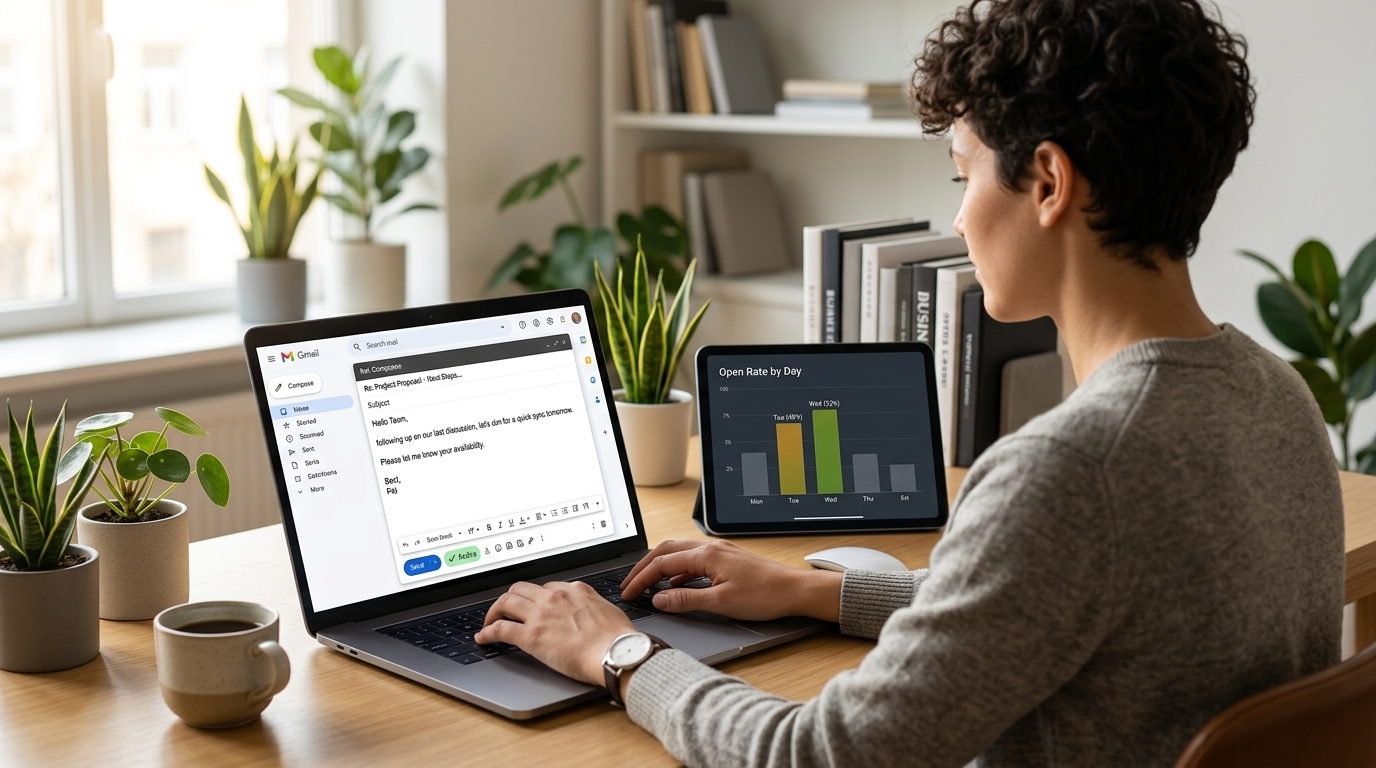
TrackMailBox open data from 20,000+ tracked emails shows consistent patterns:
Highest open-rate windows:
- Tuesday, Wednesday, Thursday: 9 to 11 AM in the recipient's time zone
- Post-lunch window (1 to 2 PM) is a reliable second option
Lower-performance windows:
- Monday mornings: Inbox is flooded with weekend accumulation. Your email competes with everything that arrived over the weekend.
- Friday afternoon: Mental checkout starts around 2 PM Friday for many professionals. Emails sent Friday afternoon often don't get opened until Monday, by which point they're buried.
- After 6 PM: Works for some industries (startup founders, late-night workers) but is suboptimal as a default.
How to use this: Write important emails when you have time (evenings, mornings). Use Gmail's "Schedule Send" to deliver them at optimal windows. TrackMailBox's scheduled email tracking ensures you still get open and click notifications even for scheduled emails.
The Follow-Up Timing Framework
Follow-ups are where tracking data becomes genuinely valuable. Without tracking, follow-up timing is pure guesswork. With tracking, you have signal.
Scenario 1: Email opened, no response (within 24 hours) The recipient read it but didn't act. Follow up after 24–48 hours with a brief, low-pressure note that adds value rather than just asking again. "I wanted to add one more thing to what I sent yesterday, [one new piece of information or a different angle]."
Scenario 2: Email opened multiple times, no response They're thinking about it. Give them more time before following up. A proposal opened 5 times in 3 days is being considered by multiple stakeholders. An email follow-up too soon can interrupt a decision process that's actually going in your favor.
Scenario 3: Link clicked, no response Highest priority follow-up. They clicked your proposal, portfolio, or pricing link, which is genuine interest. Follow up within 24 hours and reference the content: "I noticed you checked out the proposal, happy to walk through any of the sections or answer questions."
Scenario 4: No open detected after 4+ days The email may not have been read. It might be blocked, in spam, or the recipient's client blocks images (so tracking missed the open). Follow up with a simple: "Wanted to make sure my previous note landed. I've been experiencing some send issues this week."
What to avoid: Following up within minutes or hours of seeing an open. Tracking is a tool for informed timing, not a surveillance feed to use in real time.
Personalization at Scale
The tension in professional outreach is between personalization (high impact, time-consuming) and volume (more outreach, more chances). Here's the practical balance:
First-degree personalization (always worth it for high-value targets):
- Reference something specific to the recipient (recent news about their company, a mutual connection, a specific role or project they've worked on)
- Takes 2–5 minutes per email but meaningfully raises response rates
Template-based personalization (practical for moderate-volume outreach):
- Write a strong template that's specific to a job function or industry segment (rather than fully generic)
- Customize [name], [company], and one specific detail per email
- Tracked link gives you per-recipient engagement data even on template sends
What doesn't work: Pure mail-merge personalization ("Hi {{FirstName}}, I noticed {{Company}} is a leader in {{Industry}}..."). Recipients recognize this immediately and it has no personalization effect.
Links and CTAs: One Is Better Than Many
Every link in a tracked email is a data point. But too many links dilute the reader's focus and can trigger spam filters.
Best practice:
- One primary CTA with one tracked link
- The link should go to something specific: a proposal, a portfolio piece, a calendar booking page, a relevant case study
- The email body should build enough context that clicking feels like the natural next step, not a leap of faith
For sales outreach: A calendar link ("20 minutes, does Thursday work?") consistently outperforms open-ended requests to respond with availability. Give people a concrete action with low friction.
Track your links: Knowing that someone clicked your pricing page twice in three days tells you more about their intent than ten opens of the same email.
The Role of Email Tracking in Improving Your Strategy
The most underused aspect of email tracking is the feedback loop. After a few weeks of tracked outreach, your dashboard contains real data about what's working for your specific contacts, your specific industry, and your specific email style.
Look for patterns:
- Which subject lines generated the highest open rates?
- Which tracked links got clicked most?
- What time of day did your emails get the fastest opens?
- Which email templates generated replies vs. just opens?
This is your personal dataset, more relevant than any general industry benchmark because it reflects your actual recipients and context.
Tools That Complement Email Tracking
TrackMailBox: Free, unlimited open and link click tracking for Gmail with no signatures. Ideal for individual professional outreach.
Gmail Schedule Send: Combines with TrackMailBox to send emails at optimal windows with tracking active.
Gmail Templates: Pairs with TrackMailBox for template-based outreach where you want per-recipient tracking data.
Nomos Insights builds software products and custom engineering solutions. TrackMailBox, our free Gmail email tracker, is used by 1,500+ professionals for smarter outreach.
Writing about AI training, LLMs, and software engineering. Building AI products at Nomos Insights.
Continue Reading